

Love Supreme Festival
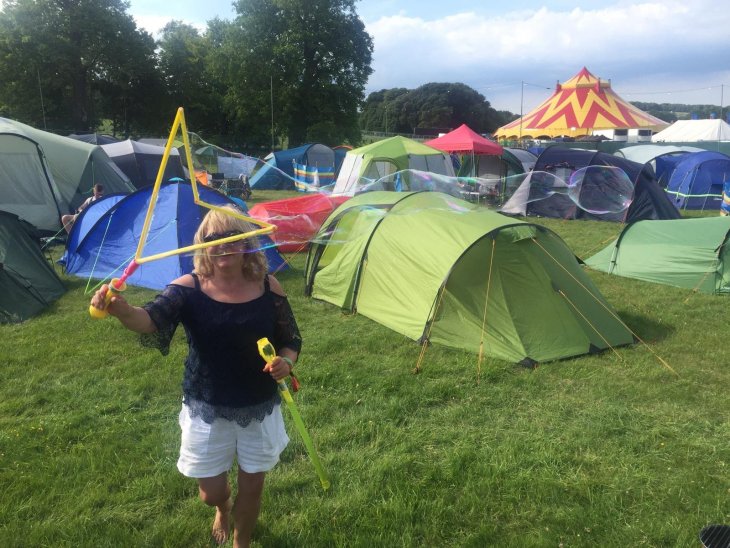
Hmmmmm I wanted to Change my profile picture to this one from last weekend with OD. I’ve done this before quite easily but now can’t seem to find the right buttons to click. Can anybody tell me how please🤭
posted on 10/07/2019 by Da DaleComments (9)
Please log in to add comments.
Dale: I'll look forward to it!🙂
Miss T: your answer was perfect, yay... I managed it. It’s been too long since I walked with you, I miss your lovely company. I will make a point of meeting up with you as soon as my busyness settles down xx
Glyn2: thank you my dear x , that thing makes the most beautiful bubbles
catwalker: you are so kind and such great company! thank you. We certainly had fun and made the most of a great festival weekend x
Great photo Dale! 😎😀
Dale, go to your profile page and click on the head & shoulders icon (top right of page).
Select 'Edit My Profile', then select 'Profile Pictures'.
You should then be on the remove/upload/update your profile picture section, which is pretty straightforward.
T.x🙂
© Image posters are the sole copyright owners of the image. Images may not be copied or used in any way without the express permission of the poster.